
Introduction
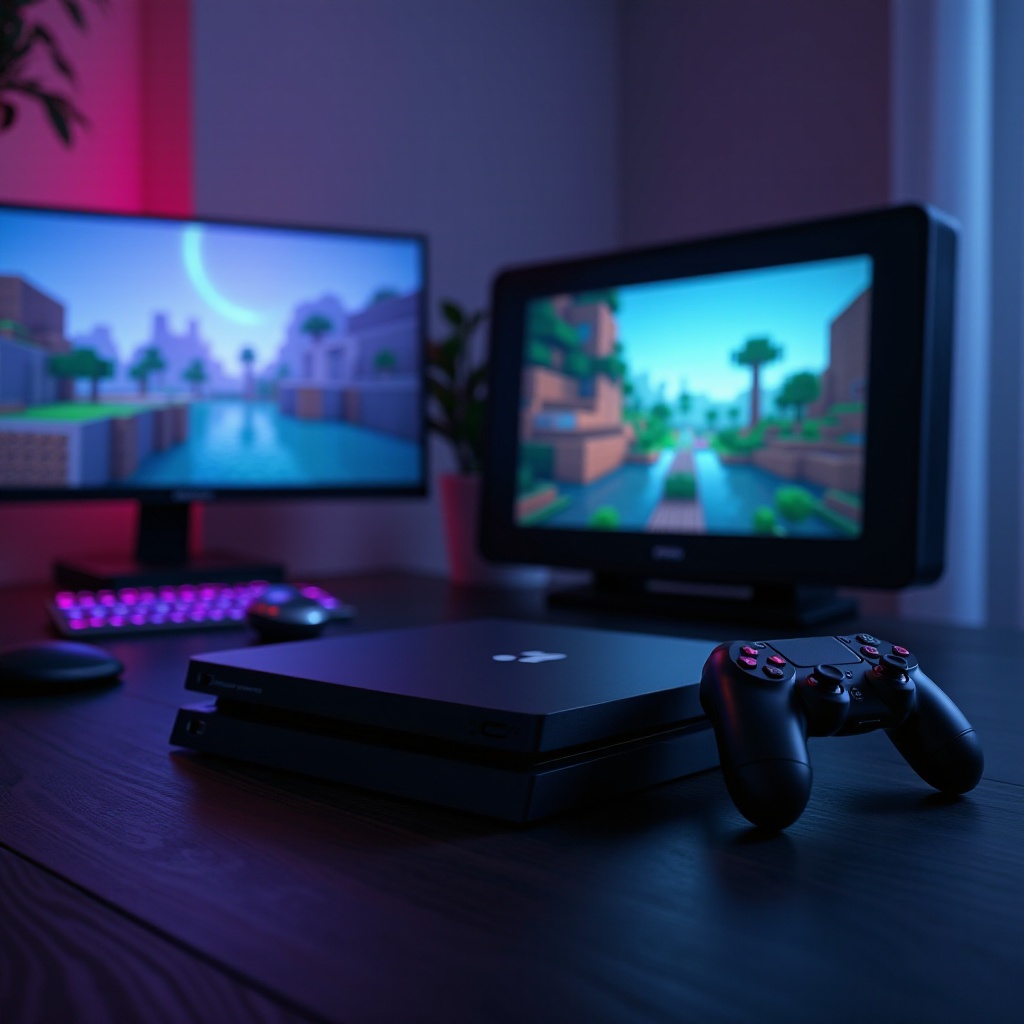
Minecraft transcends the traditional boundaries of gaming with its universal appeal and vast open-world gameplay. With the rise of cross-platform play, the ability to bridge devices like the PS5 and PC presents players with exciting new opportunities. This guide explores how you can seamlessly play Minecraft on both your PS5 and PC, focusing on setup, benefits, and ways to tackle common challenges.
Understanding Cross-Platform Play
To enjoy Minecraft across platforms, players need a grasp of cross-platform play’s fundamentals. Let’s dive into what this means:
-
What is Cross-Platform Play?
Cross-platform play allows players using different consoles or devices to play together in a shared game environment. This capability is crucial for building larger, more inclusive gaming communities. -
How Minecraft Supports Cross-Platform Play
Minecraft’s Bedrock Edition is the key to its cross-platform functionality, making it possible for PS5 and PC players to enjoy the game together. Accessing this feature requires a Microsoft account, allowing gamers to connect across different platforms seamlessly.
The essence of this feature lies in its ability to unite players, tearing down the walls that once kept different platforms separated.
Setting Up Minecraft for Cross-Play on PS5 and PC
Connecting your gameplay between a PS5 and a PC involves straightforward steps:
- Requirements for Cross-Platform Play
- Own a copy of Minecraft Bedrock Edition on both your PS5 and PC.
- Ensure a stable internet connection to facilitate smooth gameplay.
-
Set up a Microsoft account, a necessity for account syncing and enabling cross-platform interactions.
-
Step-by-Step Guide to Setting Up Cross-Play
- Link Your Microsoft Account: Log in on both systems with your Microsoft account to activate the feature.
- Connect with Friends: In the Minecraft menu, select ‘Friends’, and use your friend’s Microsoft account name to add and join multiplayer worlds.
- Dive into Multiplayer: Enter shared worlds from your friends list and enjoy collective creativity.
Through this method, players can easily switch between platforms, maximizing their Minecraft experience without being tethered to one device.
Comparing the PS5 and PC Minecraft Experience
The PS5 and PC each offer unique advantages that can appeal to different types of players within the Minecraft universe:
-
Performance and Graphics
On PS5, players benefit from enhanced graphics, including ray tracing technology, which elevates the visual appeal of Minecraft. Meanwhile, PC gamers enjoy tailoring performance to their specific hardware setup, with opportunities to modify and customize the gameplay experience further. -
Unique Features and Gameplay Differences
PS5’s interface is tailored for seamless controller use, providing a streamlined experience for console players. In contrast, playing on a PC affords players the flexibility of keyboard and mouse controls, as well as access to a vibrant modding community. This flexibility often results in a richer, more personalized gaming experience.
These variations enrich the overall gameplay atmosphere, giving players the choice to tailor their experience to best suit their preferred style and device.
Benefits of Playing Minecraft Across Platforms
Playing Minecraft across PS5 and PC platforms introduces several noteworthy advantages:
-
Expanding the Player Community
Cross-platform functionality strengthens Minecraft’s community by bridging players across PS5 and PC interfaces, creating a larger pool of fellow gamers and offering diverse collaborative opportunities. -
Access to Updates and Features
Players across platforms benefit from simultaneous updates, ensuring everyone enjoys the newest features and improvements at the same time. This parity means no one feels left behind, maintaining an even competitive and collaborative landscape.
The benefits of cross-platform play in Minecraft highlight its ongoing commitment to fostering a welcoming and inclusive gaming environment.
Troubleshooting Common Cross-Play Issues
While playing Minecraft across platforms is generally smooth, some gamers may encounter common issues. Here are ways to address them effectively:
-
Connection and Sync Problems
Always check that your internet connection is stable and that your console or PC has the latest updates installed. Restarting your devices can often resolve temporary connection disruptions. -
Account Security Measures
Protect your Microsoft account by enabling two-factor authentication, safeguarding your account from unauthorized access. Keep your login information private to prevent any security breaches.
These measures ensure a secure and uninterrupted gaming experience, allowing players to focus on creativity and exploration without technical distractions.
Conclusion
Minecraft’s cross-platform availability on PS5 and PC presents an incredible opportunity for players to explore its world without limitations. By setting up your devices correctly, you’ll unlock the full potential of this beloved game, which thrives on creativity and community. Embrace the benefits and enhanced interactions made possible by cross-platform play, ensuring an inclusive and rewarding gaming experience.
Frequently Asked Questions
Can I play Minecraft with friends on other platforms?
Yes, Minecraft Bedrock Edition allows cross-platform play with friends on PS5, PC, Xbox, and more.
Do I need a Microsoft account for cross-platform play?
Yes, a Microsoft account is necessary to enable cross-platform features and connect profiles.
Are there any limitations to cross-platform play in Minecraft?
The main requirement is that players must use Minecraft Bedrock Edition to access cross-platform features.