

Introduction
AirPods have transformed our wireless audio experience, merging convenience with high-quality sound. However, when your AirPod case suddenly won’t power on, it can be quite frustrating. This comprehensive guide explores the reasons your AirPod case may not be turning on and offers practical solutions for troubleshooting these issues. From common problems like loose connections to more intricate hardware issues, we’ve outlined several scenarios to help get your AirPods functioning again. Whether it’s basic troubleshooting steps or advanced techniques you need, you’ll find effective strategies here to manage your AirPod case woes.
Common Causes of AirPod Case Power Issues
Understanding why your AirPod case won’t turn on is crucial for finding a solution. Here are some potential causes:
-
Battery Drain: Heavy usage without frequent recharging can leave your case completely drained.
-
Faulty Charging Accessories: A faulty charging cable or adapter may stop the case from powering up correctly.
-
Software Glitches: Sometimes, software issues can prevent the AirPod case from operating normally.
-
Physical Damage: Damage from drops or water exposure can impair the charging capabilities of the case.
Addressing each of these situations requires a targeted approach, starting with basic troubleshooting.
Basic Troubleshooting Steps
Your first move should be trying these basic troubleshooting actions:
Verify Power and Connections
Ensure that the AirPod case is securely plugged into a reliable power source. Double-check both ends of the lightning cable, and if possible, test a different power outlet to ensure there’s no issue with electric connectivity.
Inspect Charging Cable and Adapter
A faulty charging setup could be your problem. Examine the cable and the adapter for any obvious damage like frays or kinks. Even if no damage is visible, try a spare cable or adapter to eliminate this potential problem.
Check for Physical Damage
Inspect your AirPod case for any physical damage, such as cracks or scratches, that could imply more serious internal damage. Clear indicators of damage may mean you need to consider repair or replacement options.
When these steps do not resolve your issue, advanced troubleshooting may be needed.

Advanced Troubleshooting Techniques
Consider these advanced strategies if basic steps don’t work:
Reset Your AirPods and Case
Resetting your AirPods and their case often clears up software issues:
- Place AirPods inside the case and close the lid.
- Open the lid after 30 seconds.
- Press the setup button on the back for 15 seconds until the light flashes amber, then white.
- Reconnect to your device.
Update AirPods Firmware
An outdated firmware can sometimes cause functionality issues. Make sure your AirPods are connected to the internet and paired with your device. Although updates are typically automatic, you can try re-pairing them when connected to Wi-Fi.
These approaches help resolve software-related problems, but you might face hardware issues if problems continue.
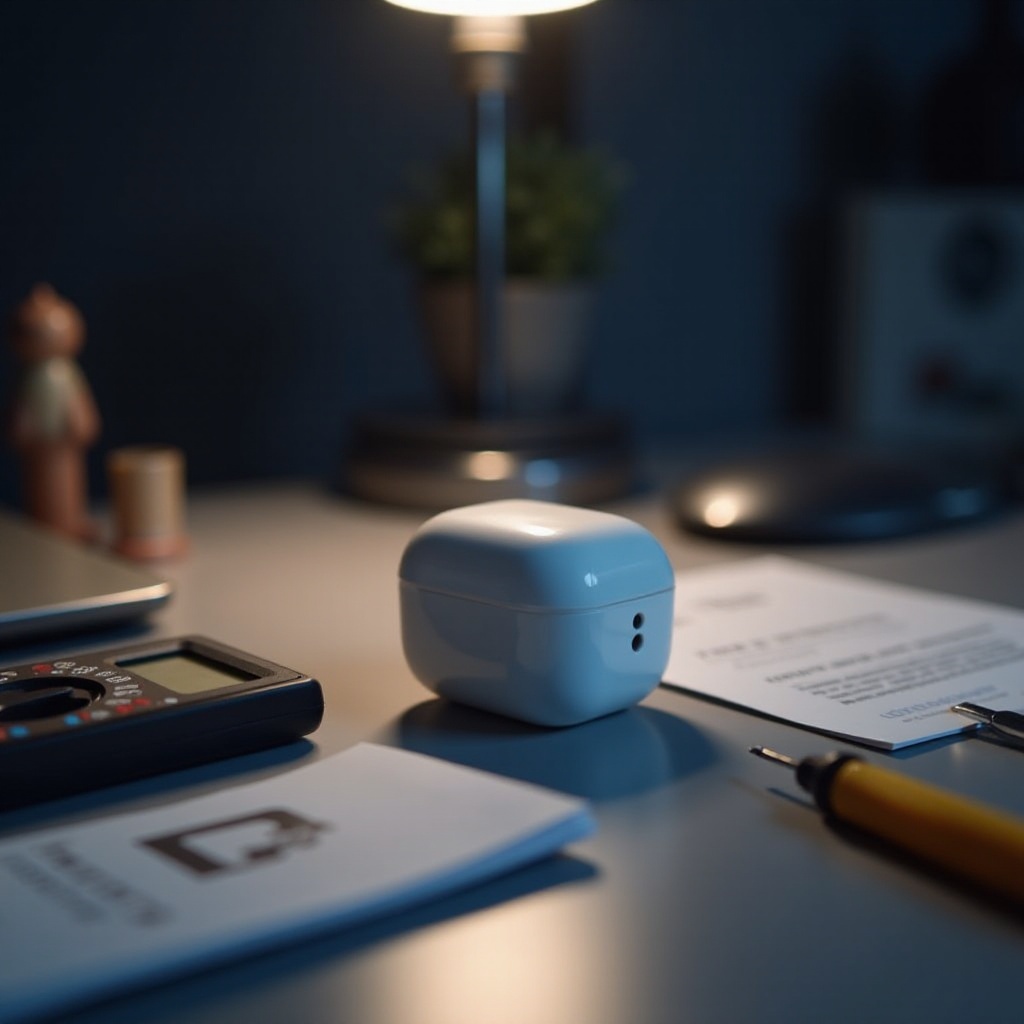
Handling Hardware Problems
If it’s not a software issue, it might be a hardware problem. Conduct these checks:
Cleaning the Charging Port
Dirt in the charging port can hinder power connectivity. Clean the port gently using a soft brush or compressed air to confirm that no debris is blocking the charge.
Battery Health Check
Battery degradation is inevitable over time. Check battery health using specialized apps or consult Apple support for confirmation.
Prevention and proper care can often avoid hardware failure. But if necessary, consider repair or replacement solutions.
Repair and Replacement Options
If all else fails, reach out to Apple Support for repairs or a replacement. If your product is under warranty or covered by AppleCare+, services might be complimentary. Otherwise, consider authorized service providers for potentially cost-effective repairs.
Maintenance Tips for Longevity
Ensure your AirPod case stays functional over the long term with these tips:
- Regular Cleaning: Maintain the charging port and exterior by conducting regular cleaning.
- Avoid Extreme Temperatures: Protect your device from extreme temperatures to prevent damage.
- Proper Storage: Store the AirPods in their case when not in use to maintain battery longevity.
By following these precautions, you can avoid many issues and ensure the longevity of your AirPods and case.
Conclusion
Understanding the root causes of an AirPod case that won’t turn on can empower you to correct these problems efficiently. With this step-by-step guide, you can identify whether you’re facing a simple connectivity issue or a more complex situation. Regular maintenance and proper care can prevent many common issues, ensuring a longer lifespan for your AirPods.
Frequently Asked Questions
Why is my AirPod case not charging even though it’s plugged in?
The issue may stem from a faulty charging cable, an insufficient power source, or debris in the charging port. Inspect these areas for effective troubleshooting.
Can I replace the AirPod case battery myself?
Battery replacement isn’t recommended as it can void warranties. It’s best to contact Apple support or authorized service providers for help.
How often should I clean my AirPod case?
Clean your AirPod case every couple of weeks to prevent debris buildup and ensure charging efficiency. Regular cleaning aids optimal functionality.