
Introduction
Transform your gaming universe by integrating an ethernet-compatible dock with your Nintendo Switch. This setup is not just about speed; it’s about reliability and superior gaming encounters. With a wired connection, gamers can wave goodbye to the inconsistencies of wireless internet, ushering in a new era of seamless, uninterrupted play. This guide will delve into everything from the basics of the dock and its features to installation nuances and alternative options.
Understanding the Nintendo Switch Dock with Ethernet
The Nintendo Switch dock does more than just connect your console to big screens. An integral component of your gaming setup, it forms the bridge between casual play and a professional setup.
What is a Switch Dock?
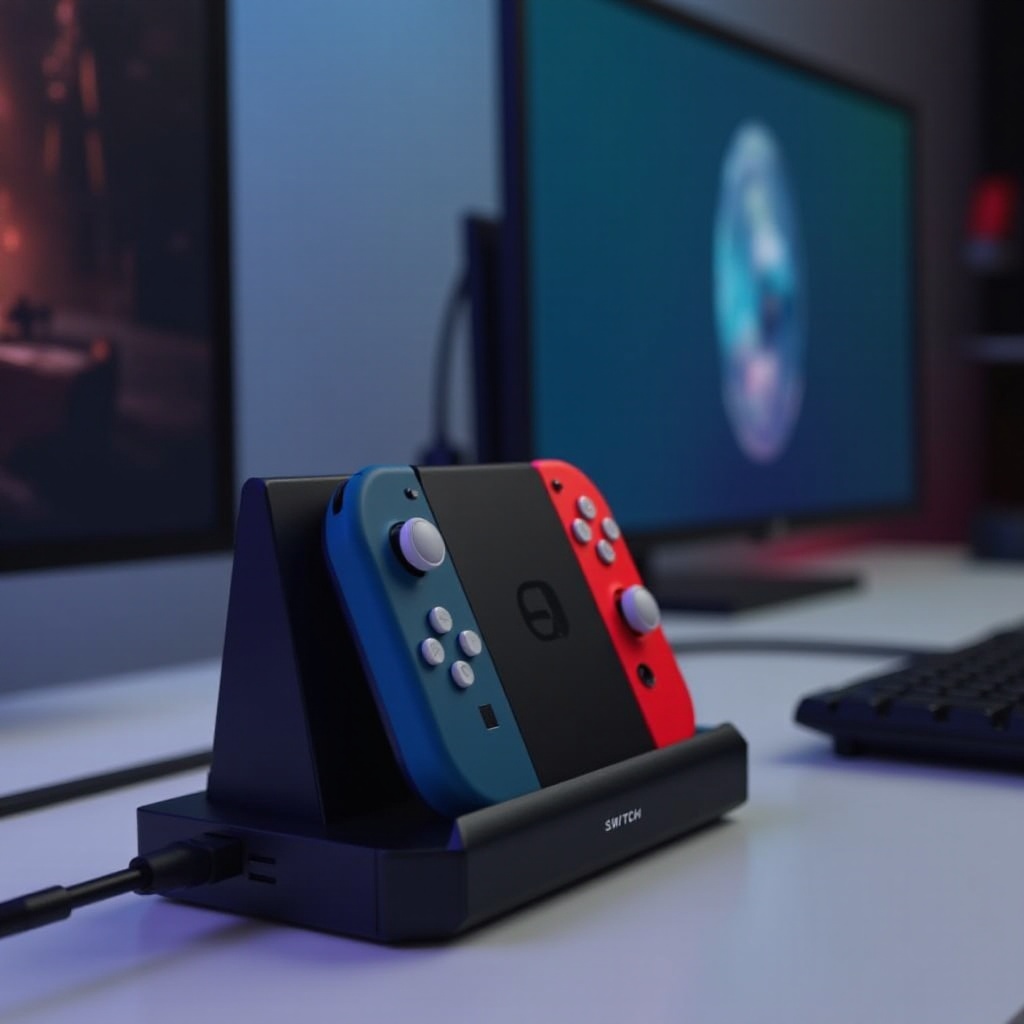
A Switch dock serves as a multi-purpose hub. Primarily, it anchors your console to a TV, expanding your visual canvas. Its versatility shines as it charges the console while providing ports for crucial accessories. The dock’s value grows when equipped with an ethernet port, transforming your internet experience from prone-to-interference Wi-Fi to robust, wired connections.
Key Features of an Ethernet-Compatible Dock
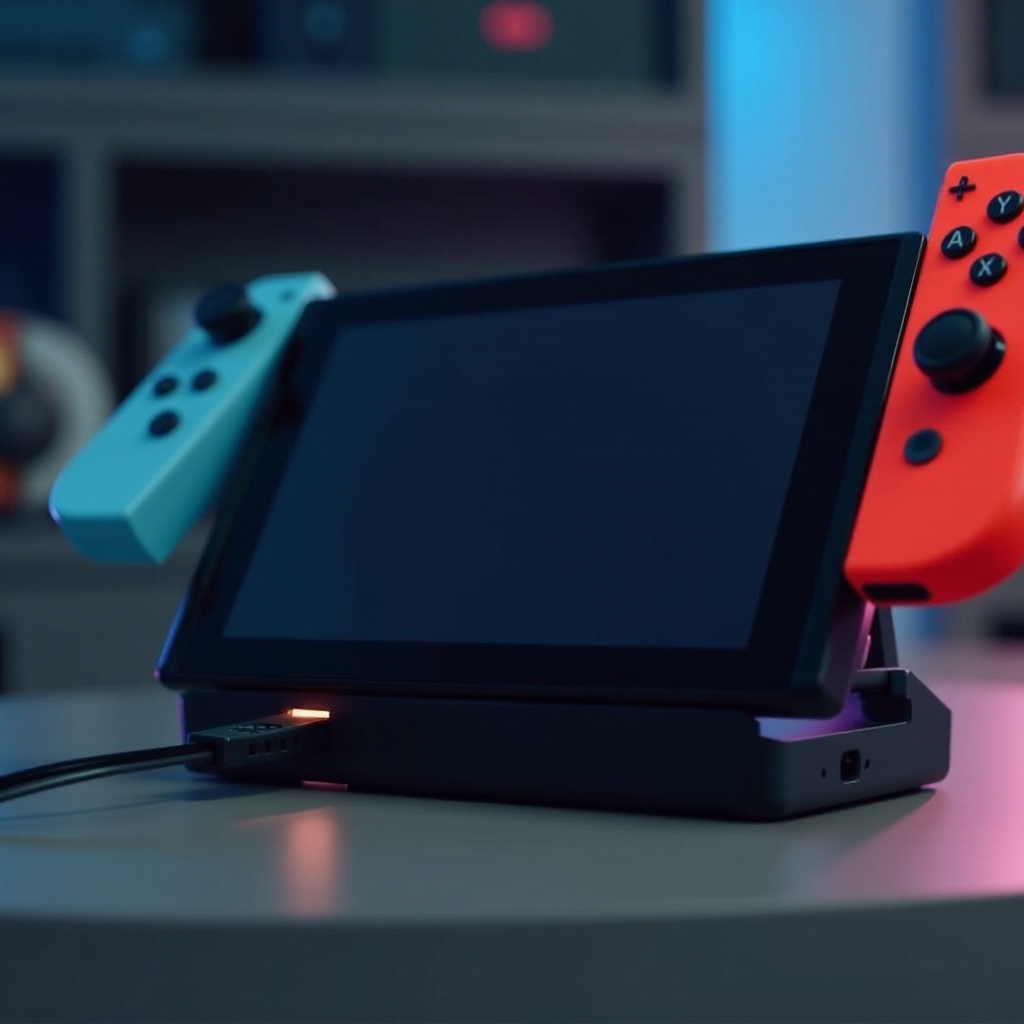
A dock with ethernet capabilities stands out through its ability to offer a direct connection to your home router. This means less interference and a faster, more stable internet experience. Whether downloading expansive game files or engaging in intense gaming battles, this setup is pivotal.
Benefits of Using Ethernet with Your Switch Dock
The transition from a Wi-Fi connection to ethernet isn’t just a technical upgrade; it’s a tangible enhancement to your gaming lifestyle.
Enhancing Internet Stability and Speed
- Faster Downloads: Ethernet connections often surpass Wi-Fi in speed.
- Stable Gameplay: Consistency in connection minimizes interruptions, letting you focus on strategy, not lag.
Boosting Online Gaming Performance
Reduced latency isn’t just about numbers; it’s about carving out the milliseconds that give you a competitive edge in real-time strategy.
- Lower Lag: Ethernet setups dramatically decrease the delay between actions and outcomes, vital for competitive environments.
- Real-time Reaction: In fast-paced games, this immediate response time can be a game changer.
Setting Up Your Switch Dock with Ethernet
Activating your dock’s full potential involves a seamless setup process—simple steps for superior results.
Equipment and Cable Requirements
To start, gather:
– A Nintendo Switch dock featuring an ethernet port.
– A durable ethernet cable, adequately long for practical placement.
– A reliable internet service, optimized for speed.
Step-by-step Installation Guide
- Position Your Dock: Ensure accessibility to a power source and proximity to your TV and router.
- Connect the Cable: Plug one cable end into the dock, the other into the router.
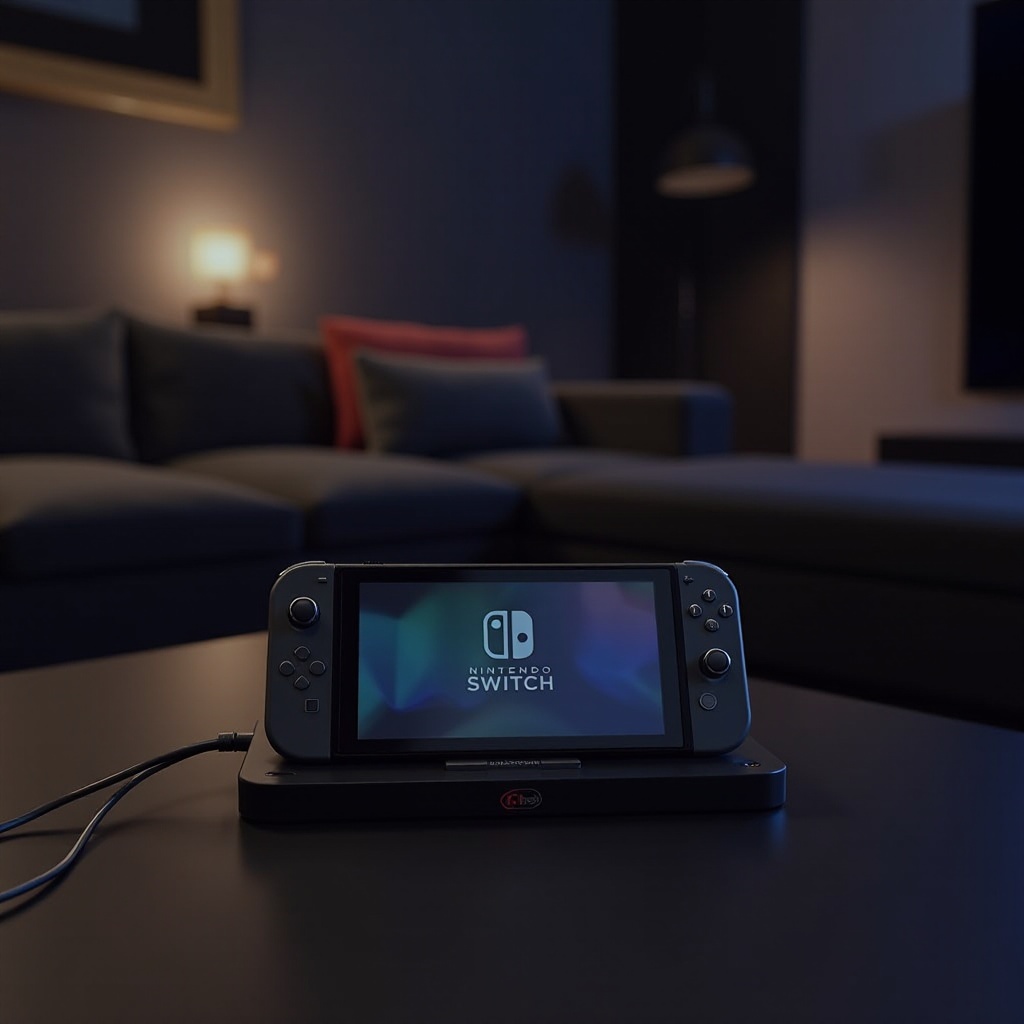
- Initialize Connection: Power your dock and slide the Nintendo Switch into position; internet setup should commence automatically.
Troubleshooting Common Issues
- Connectivity Troubles: Secure all connections; ensure cables are snugly fit.
- Detection Glitches: Restart devices if connectivity isn’t recognized.
- Speed Irregularities: Regular speed tests can confirm performance expectations.
Maximizing Your Gaming Setup with an Ethernet Connection
Expanding your gaming framework involves optimizing ethernet advantages for the best multimedia experience.
Multiplayer and Streaming Advantages
The transition to an ethernet connection doesn’t just alter solo gaming; it elevates multiplayer and community-based activities.
- Collaborative Play: Enjoy reduction in lag for smoother team-based gameplay.
- Streaming Consistency: Maintain high-definition streaming without the worry of interruptions.
Future-proofing Your Home Gaming Network
As technology evolves, preparing your setup for tomorrow’s demands is crucial.
- Priority Settings: Utilize your router’s settings to deliver bandwidth where it matters.
- Adaptability: Position your network for future upgrades and increased demand.
Alternatives to the Official Nintendo Switch Dock
For some, third-party docks offer an appealing alternative—be it for cost or feature diversity.
Third-Party Docks Available in 2024
A variety of manufacturers cater to diverse needs:
– Competitive pricing and unique features offer notable benefits.
– Make informed choices by exploring reviews and user experiences to determine compatibility and durability.
Pros and Cons of Third-Party Options
While offering unique benefits, alternative docks come with their set of considerations:
– Advantages: Competitive pricing and diverse designs.
– Disadvantages: Possible warranty implications and varying compatibility.
Conclusion
Embracing an ethernet connection within your gaming setup magnifies the Switch’s potential. It’s more than just rapid connectivity; it’s about consistent, quality interaction with your games. Whether you remain loyal to Nintendo’s official dock or explore third-party territories, this switch in connectivity promises to upheave your gaming adventures.
Frequently Asked Questions
Can I use my Switch Dock with Ethernet on any Switch model?
Yes, any model, including standard and OLED, supports ethernet docks as long as they have compatible firmware.
What are the main benefits of using Ethernet over Wi-Fi?
Ethernet offers faster, more reliable speeds with less latency, ideal for gaming and streaming.
Are there any risks when using third-party docks?
Third-party docks may not have official support, impacting compatibility and possibly voiding warranties.