

Introduction
Laptops often face the challenge of overheating, which can impair their performance and shorten their lifespan. Introducing a laptop fan stand into your setup can mitigate these issues by improving cooling and enhancing ergonomic comfort. By choosing a suitable laptop fan stand, you not only boost performance but also ensure a comfortable user experience.
Understanding the Need for a Laptop Fan Stand
Many laptop users encounter overheating issues, which lead to a drop in processing power and can inflict damage on their device’s internal components. Using a fan stand can significantly improve airflow, reducing overheating risk.
Moreover, ergonomics plays a pivotal role in ensuring comfort during prolonged laptop use. An adjustable stand can improve posture by aligning the screen to eye level and adjusting the keyboard angle, leading to a more enjoyable user experience.
The Impact of Overheating on Laptop Performance
When a laptop overheats, it experiences thermal throttling, a process where the CPU slows down to cool internal temperatures. Persistent overheating can cause irreversible damage, resulting in expensive repairs or replacements. Hence, maintaining optimal temperatures is essential for preserving your laptop’s performance.
Ergonomics: More than Just Comfort
Proper laptop positioning prevents repetitive strain injuries by promoting a neutral wrist position and reducing neck strain. Utilizing an appropriate stand enhances your productivity and comfort, allowing you to work efficiently for longer periods without discomfort.
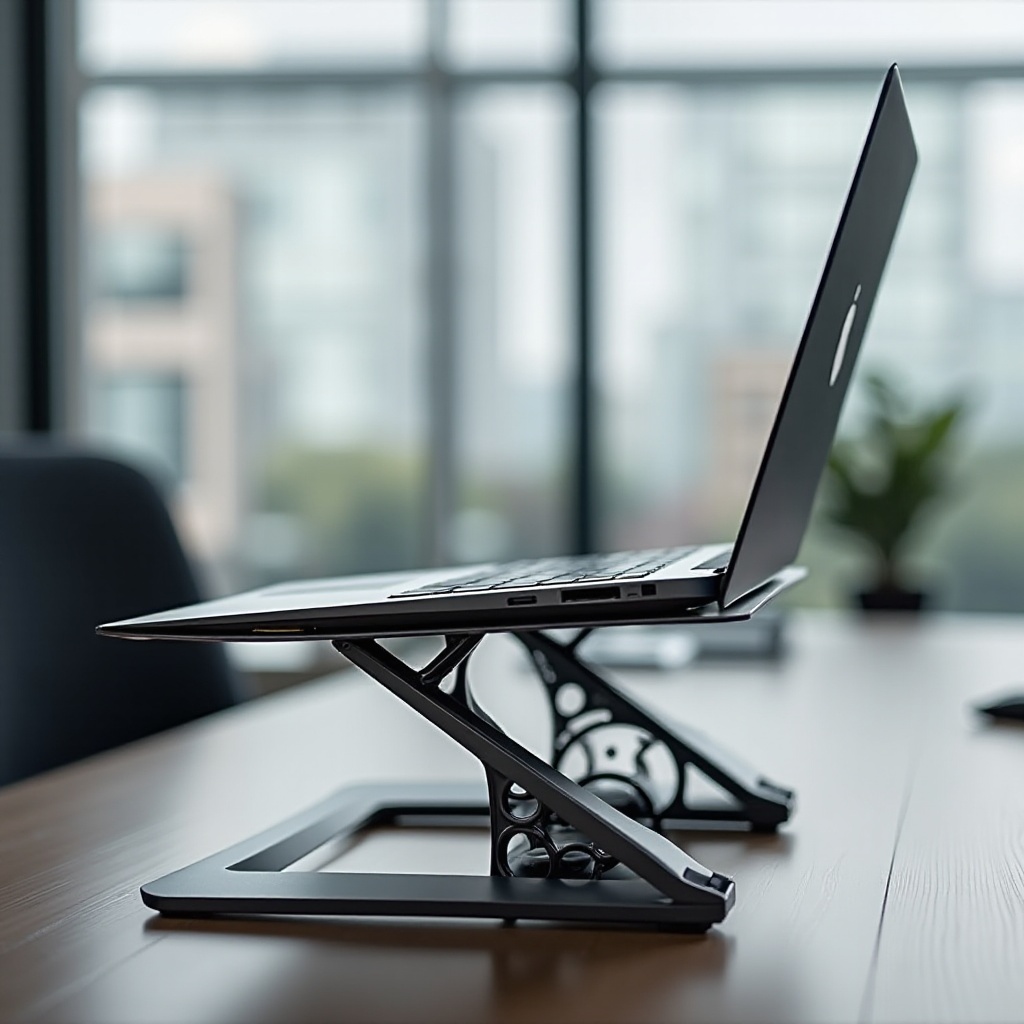
Key Features to Consider in a Laptop Fan Stand
Selecting the right laptop fan stand involves evaluating specific features that will influence your overall experience. Understanding these features will help you make an informed decision.
Adjustable Heights and Angles
Personalizing your laptop’s position is crucial for comfort. Choose stands that offer multiple height adjustments and tilting options to tailor the setup to your ergonomic needs.
Fan Speed and Noise Levels
A balance of effective cooling with minimal noise is essential. Opt for a fan stand that provides high-speed cooling without producing disruptive noise, ensuring a peaceful work environment.
Portability and Build Quality
For those who travel frequently, a lightweight and compact stand is ideal. Durability is also important, so look for stands made of sturdy materials like aluminum or premium plastic.
Top Laptop Fan Stands for 2024
With key features in mind, let’s explore some of the top-rated laptop fan stands available in 2024 that cater to different user needs and preferences.
Model 1: Overview and Benefits
Model 1 boasts multiple height adjustments with efficient cooling capabilities and operates quietly, making it perfect for working in quiet environments.
Model 2: Overview and Benefits
Sleek in design, Model 2 provides robust construction with effective cooling. Its quiet operation makes it suitable for both office and home use.
Model 3: Overview and Benefits
Model 3 offers exceptional ergonomic benefits with extensive adjustability. Its powerful cooling system ensures stability even during intensive tasks.
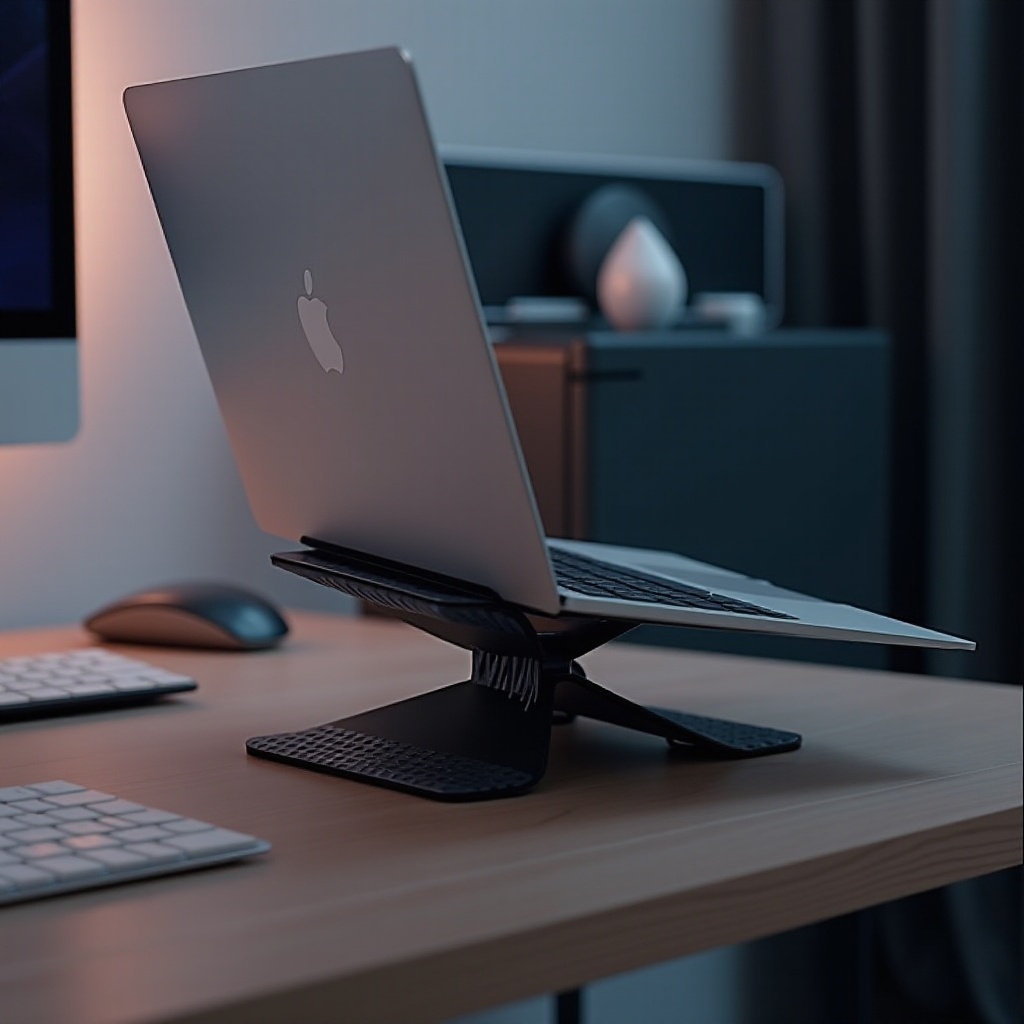
Installation and Maintenance Tips for Optimal Use
Once you’ve selected an ideal laptop fan stand, proper installation and maintenance will ensure its longevity and performance.
Setting Up Your Laptop Fan Stand
- Carefully unpack your fan stand and consult the manual if needed.
- Position the stand securely on a stable surface.
- Adjust to your ideal height and angle settings.
- Connect the fan to your laptop or another power source for immediate use.
Regular Maintenance and Cleaning
- Use a soft cloth or compressed air to clean fan blades and prevent dust buildup.
- Periodically check for loose screws or parts to maintain its structural integrity.
- When not in use, store the stand properly to avoid any accidental damage.
How to Choose the Right Laptop Fan Stand for Your Workspace
Selecting the right stand entails consideration of your workspace’s unique attributes and your laptop’s specific cooling demands.
Assessing Your Laptop’s Cooling Needs
Identify your laptop’s heat output, especially if you’re running high-demand applications. Users engaging in intensive tasks will benefit from a stand with strong cooling functions.
Considering Your Workspace Setup
Evaluate your workspace size and aesthetic to ensure the stand aligns well with your environment and provides ample room for adjustment.
Conclusion
Incorporating a laptop fan stand into your setup can significantly enhance your device’s performance and longevity while improving your working comfort. By carefully selecting a model that meets your needs, you’ll ensure an optimized experience for both productivity and device care.
Frequently Asked Questions
Do all laptops need a fan with a stand?
Not all laptops require a fan with a stand, mainly lower-performance models used for basic tasks. However, those using intensive applications or gaming can benefit greatly from one.
How do I know if my laptop is overheating?
Signs of overheating include loud fan noises, reduced performance, and unexpected shutdowns. Software tools can also monitor the laptop’s temperature.
Are laptop stands with fans compatible with all laptop brands?
Most stands are universally compatible, but checking the size and weight capacity is essential to ensure they fit your specific laptop model.