
Introduction
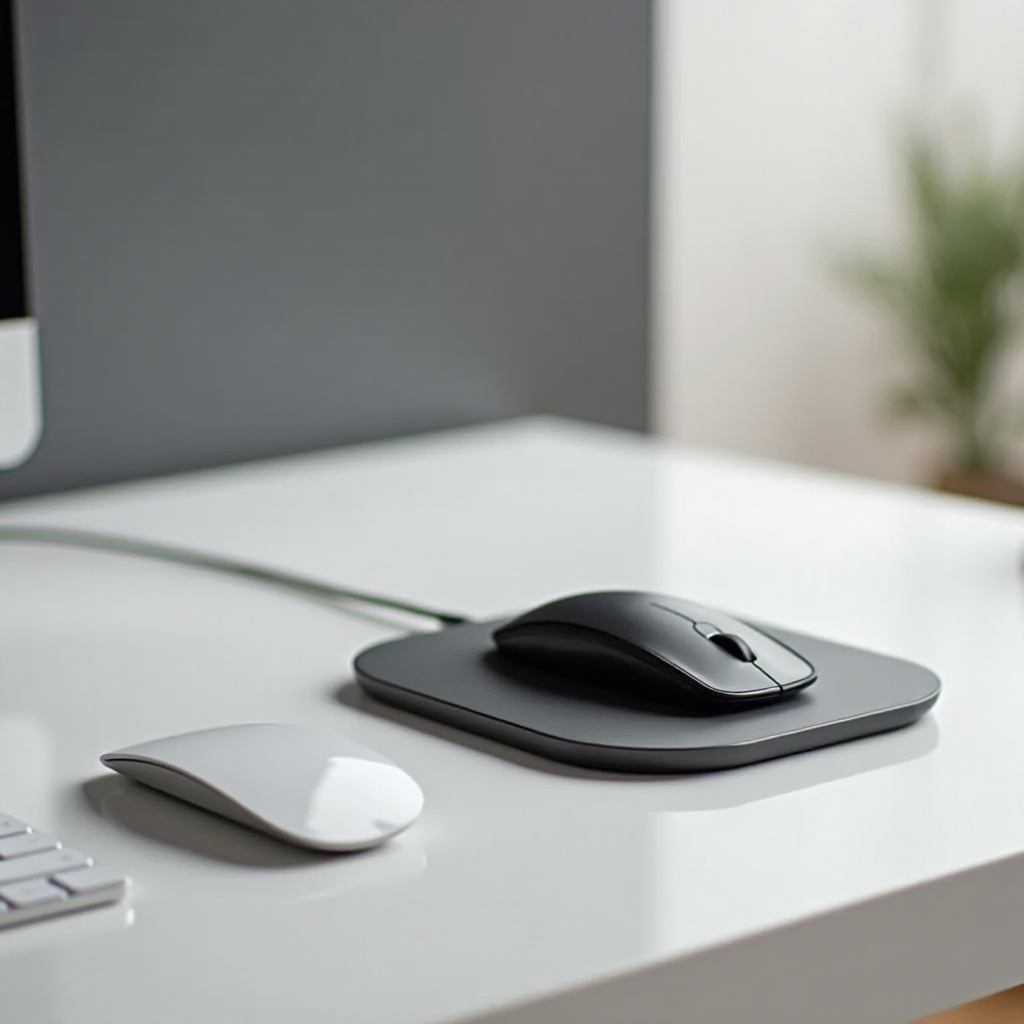
Wireless peripherals have transformed how we interact with technology, offering freedom of movement and eliminating clutter. Among these, the wireless mouse stands out for its convenience and versatility. Pairing it with a charging pad elevates this convenience to a new level, ensuring your mouse is always ready to work without the hassle of changing batteries or cables. This guide dives deep into why a wireless mouse with a charging pad is essential, outlines key features to consider when purchasing one, and highlights some of the top models available in 2024 to help you make an informed choice.
Why Choose a Wireless Mouse with a Charging Pad?
A wireless mouse is an excellent choice for those seeking efficiency and a streamlined workspace. But why stop there? Pairing it with a charging pad presents several benefits. Wireless technology means you no longer have to worry about tangled cords or limited mobility. These mice connect seamlessly to your computer via Bluetooth or a USB receiver, allowing for a clean, uncluttered desk and unrestricted movement.
A charging pad ensures your mouse is constantly powered and ready to go. This eliminates the need to buy batteries or wait for hours when your device runs out of juice. The pad charges the mouse while you’re not using it, turning charging into a background task that is both efficient and convenient. There’s a natural progression from recognizing the benefits of integrating charging technology in a wireless mouse to understanding what features stand out in the best models on the market.
Key Features to Consider
When purchasing a wireless mouse with a charging pad, it’s essential to evaluate specific features that influence performance and user experience. Comfort is crucial, especially if you’re using the mouse for extended periods. A well-designed mouse fits naturally in your hand, reducing strain. Look for features like adjustable DPI settings and customizable buttons for additional convenience and control.
The longevity of your mouse on a single charge and how quickly it recharges on the pad are significant considerations. Opt for a model that offers long battery life, ideally one that can last several days of constant use, alongside a charging pad that efficiently restores power within a short timeframe. Ensuring that both the mouse and charging pad are compatible with your device’s operating system, whether it’s Windows, macOS, or others, is crucial. Also, consider connectivity choices such as Bluetooth or USB receivers, and whether the pad can charge other devices like smartphones. Understanding these features helps you to make an informed decision, seamlessly transitioning into exploring the top models currently available.
Top Wireless Mice with Charging Pads of 2024
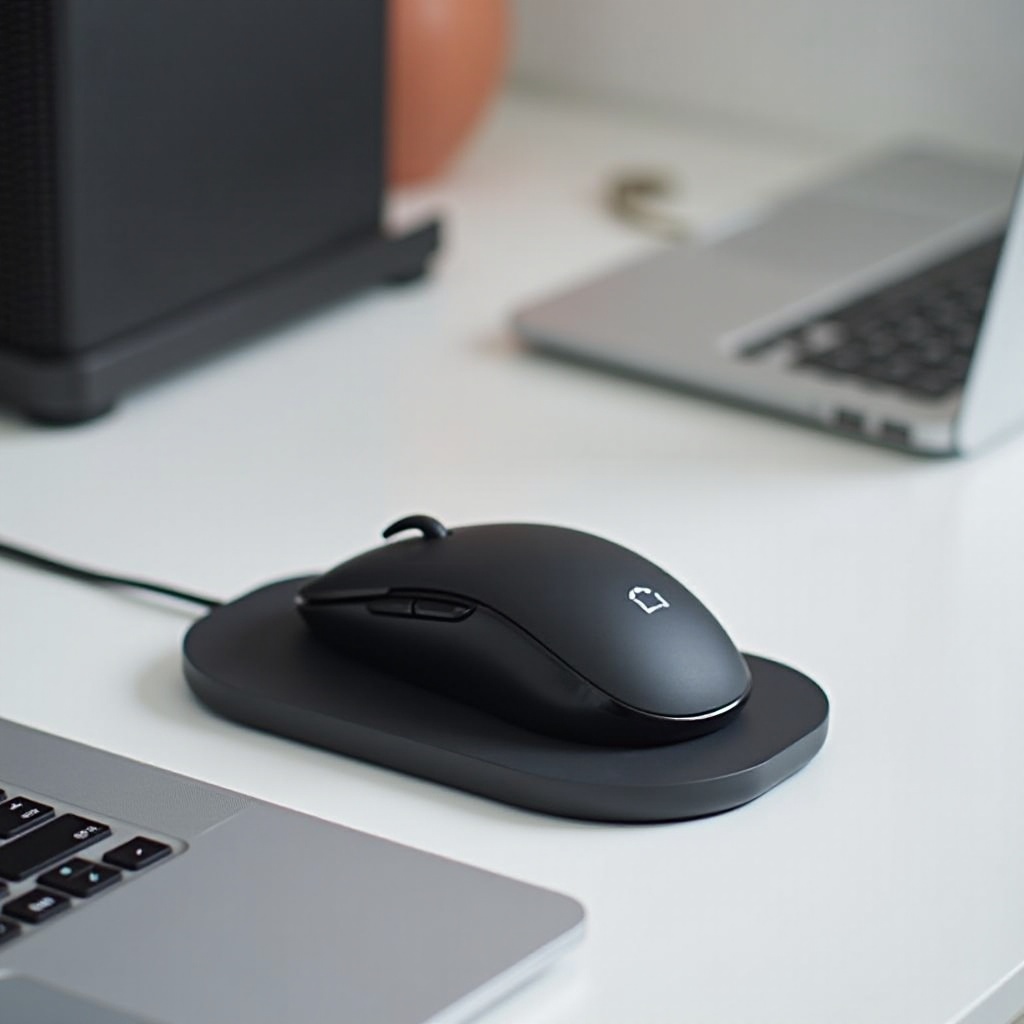
Navigating through countless models can be daunting. We’ve curated a list of top-performing wireless mice with charging pads to help narrow down your choices. The first model is renowned for its ergonomic design and efficient charging capabilities. With a long-lasting battery life and universal compatibility, it stands out as a top choice for professionals and gamers alike.
Another excellent option combines cutting-edge technology with comfort, offering customizable buttons and advanced tracking features that enhance user experience across various applications. Known for its sleek design and robust performance, the third model offers a seamless experience with multi-device connectivity and quick charging capabilities, making it ideal for a dynamic workspace. These top picks reflect the best the market has to offer, paving the way to setting up an efficient workspace.
Setting Up Your Workspace for Efficiency
An efficient workspace enhances productivity. Here are a few tips to ensure that your setup optimizes the benefits of your new wireless mouse and charging pad:
- Optimal Arrangement of Devices: Arrange your devices to minimize clutter. Place your charging pad within easy reach, ensuring that it’s connected and ready to recharge your mouse without disrupting your setup.
- Tips for Reducing Clutter: Invest in wireless peripheral organizers and use cable management tools to keep any necessary cables tidy. This not only helps aesthetic appeal but also maintains functionality.
With your workspace optimal and your devices ready to perform, understanding how others have benefited from similar setups can be incredibly inspiring.

User Testimonials and Success Stories
Hearing from real users provides valuable insights into how a wireless mouse with a charging pad impacts productivity and satisfaction. Many users report increased efficiency, reduced downtime, and an overall more pleasant computing experience. These stories not only provide assurance but also inspire others to embrace the wireless lifestyle.
Conclusion
Investing in a wireless mouse with a charging pad combines the best of modern technology with user-friendly design, ensuring your workspace is both functional and efficient. As you’ve seen, the features and functionality across different models can vary significantly, making it crucial to choose wisely based on your specific needs and preferences. Ready to elevate your productivity? Explore the options and find the perfect match for your tech ecosystem.
Frequently Asked Questions
What are the advantages of using a wireless mouse with a charging pad?
A wireless mouse with a charging pad offers convenience, reduces clutter, and ensures your mouse is always charged and ready to use.
How long does it take to fully charge a wireless mouse on a charging pad?
Charging time varies by model, but most modern mice charge fully within a few hours.
Are charging pads compatible with other devices?
Many charging pads are designed to work with other devices that support wireless charging, such as smartphones, adding an extra layer of utility.